Use at your own risk- This tool can be used to change SID
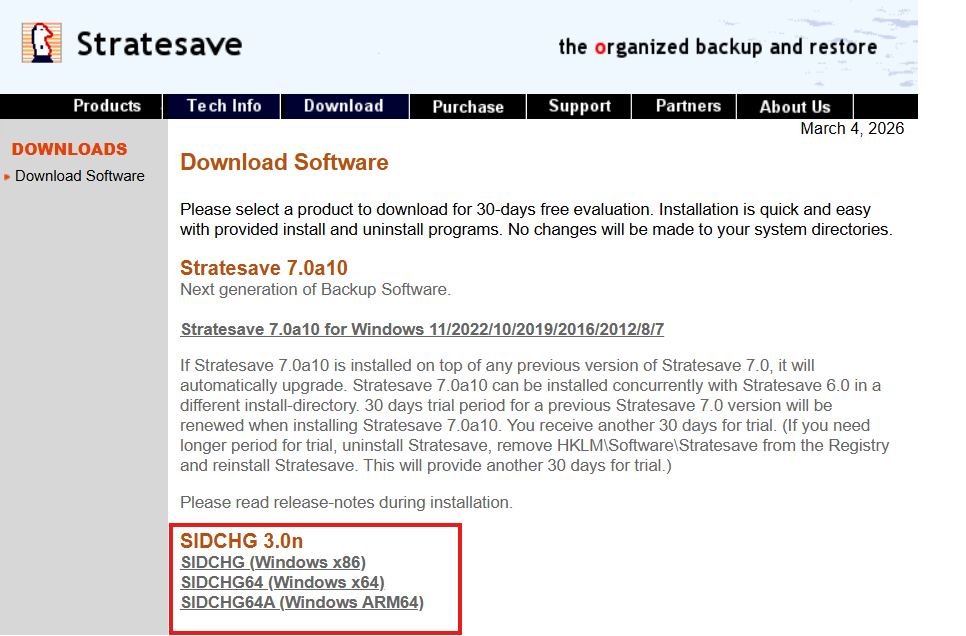
1. Download SIDCHG. Link: https://www.stratesave.com/html/downloads.html
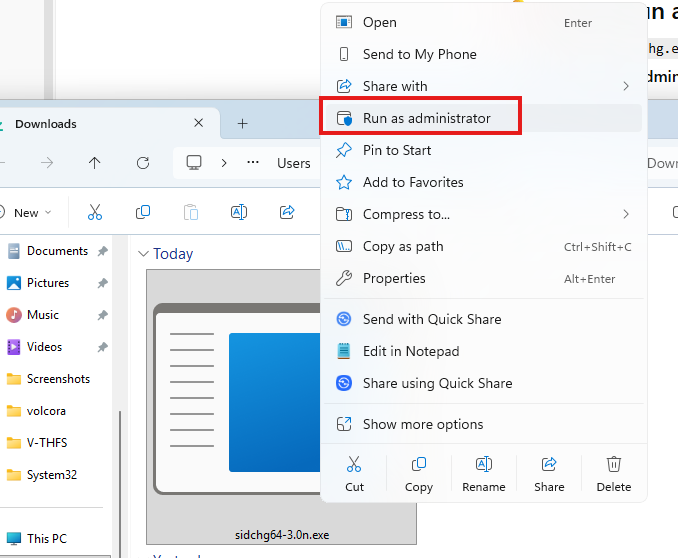
2. Run downloaded file as an administrator(Turn off AntiVirus or exclude the file on the AV)
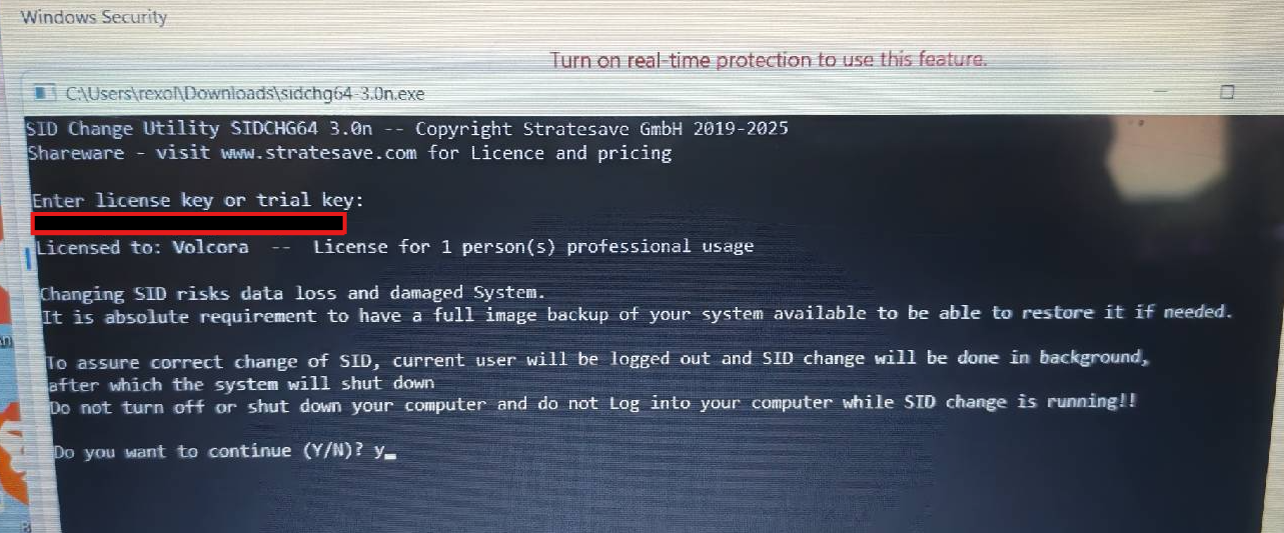
3. Enter license key (case sensitive)
Trial keys may be available at https://www.stratesave.com/html/sidchg.html
Full instructions are available on the same site. Please make sure to read and understand it first to avoid errors
4. !Important! While SID change is running in background, following message appears at Login screen, showing actual progress state of SID change in process:
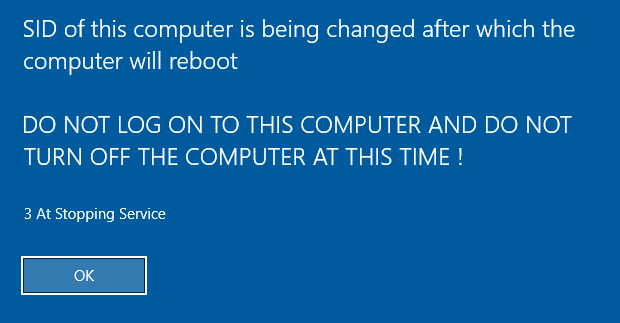
It is very important to not log into the computer and not shutdown the computer while SID change is running in background ! This is necessary to preserve the modern user interfaces and apps.
After completing the SID change, the system will automatically shut down or reboot. Do not do that yourself, do not log in, and do not interfere. Best is to not touch the PC at all before the automatic shutdown/reboot !
Was this article helpful?
That’s Great!
Thank you for your feedback
Sorry! We couldn't be helpful
Thank you for your feedback
Feedback sent
We appreciate your effort and will try to fix the article